Remotion vs HyperFrames for video made by AI agents
Last checked
Pick Remotion if you or your team already work in React, you want the mature Remotion Lambda cloud renderer, or you're building a product on top of video code. It's free for individuals and companies of up to 3 people, and bigger companies need a paid Company License
Pick HyperFrames if you want your agent to write plain HTML files you can open in a browser, with no React and no bundler, and you want the Apache 2.0 license with no per render fees at any company size. It needs Node.js 22 or later and FFmpeg
Side by side
| What you compare | Remotion | HyperFrames | Source |
|---|---|---|---|
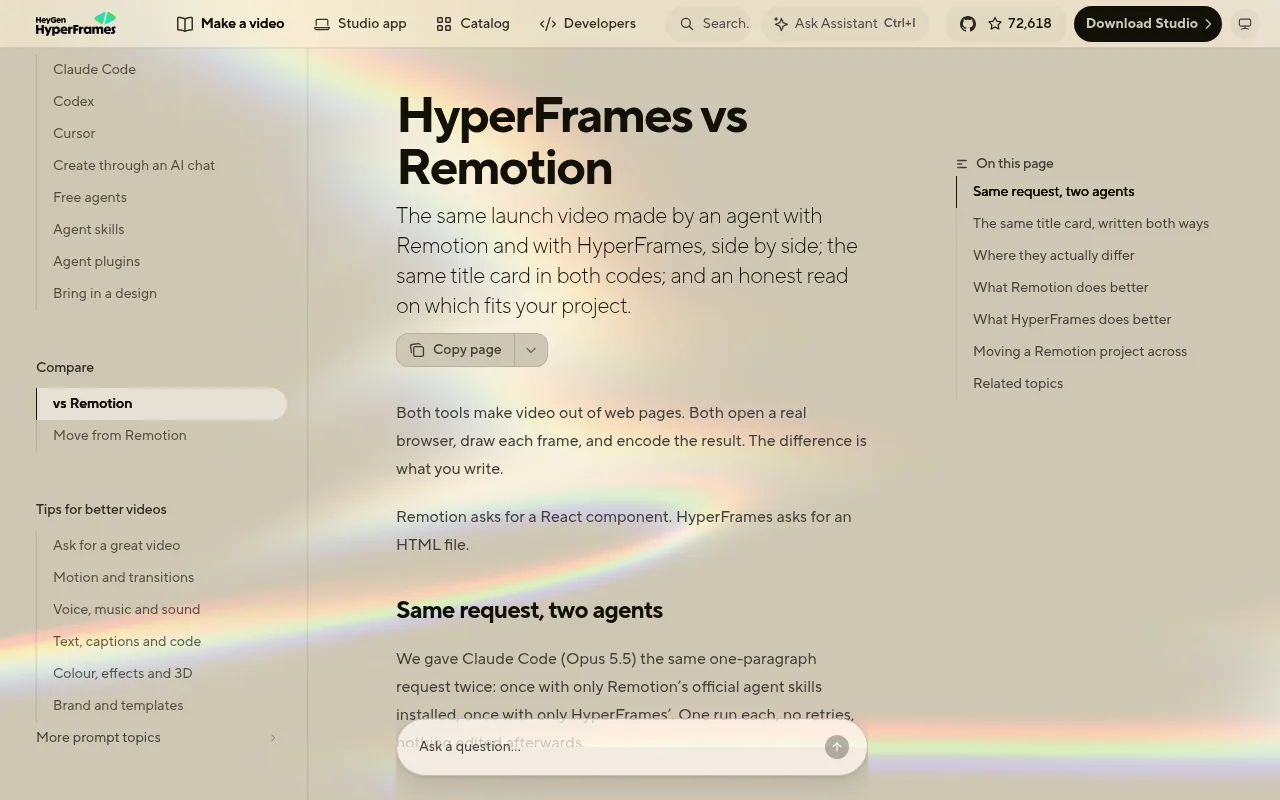
| How you write a video | React components. Timing is worked out in frames | HTML and CSS with data attributes for timing, animated with GSAP, CSS, Lottie, Three.js and others | link |
| Build step | A bundler is required | None, the index.html file plays as it is | link |
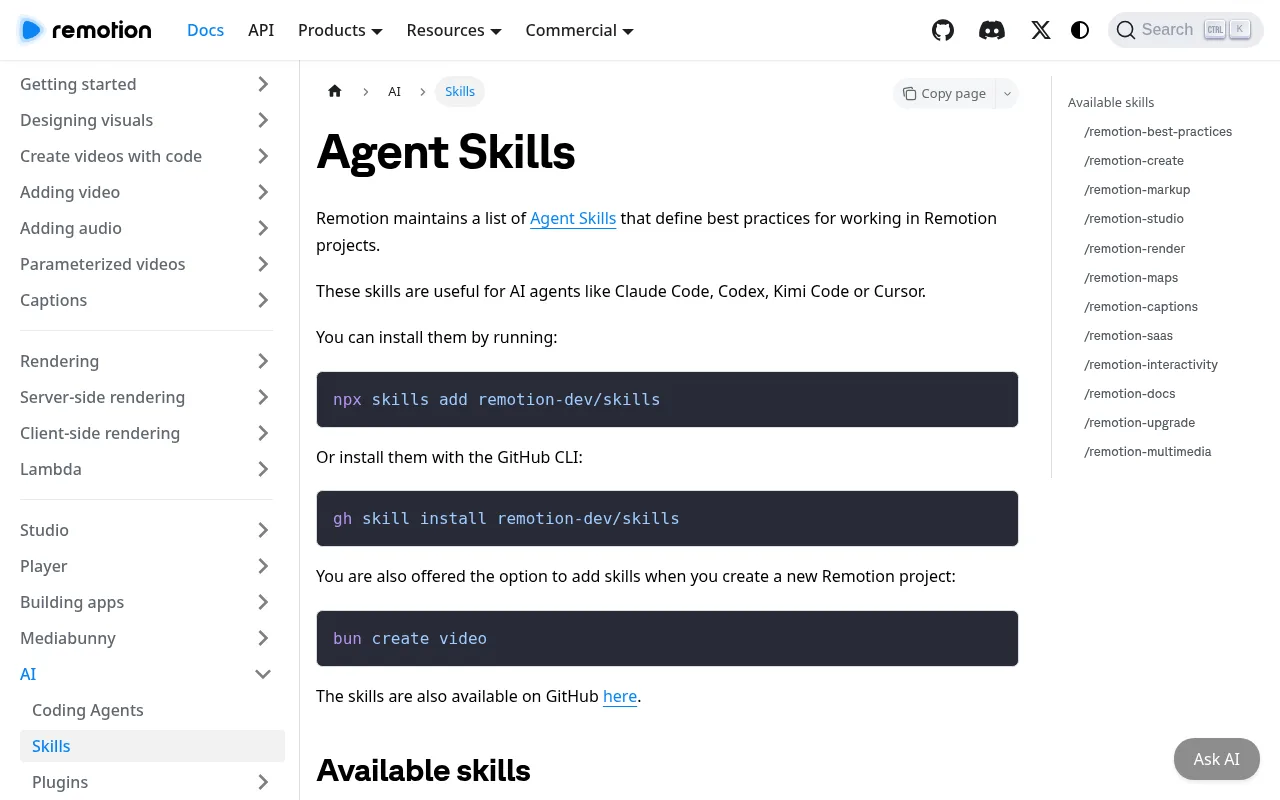
| Official agent skills | Remotion Agent Skills for Claude Code, Codex and Cursor, with skills to create, preview, render and caption | HyperFrames skills and a Claude Code plugin, plus a skill that brings Remotion projects over | link |
| Rendering | Headless Chrome and FFmpeg on your machine, or Remotion Lambda in the cloud | Headless Chrome and FFmpeg on your machine, in Docker or on AWS Lambda | link |
| License | Source available Remotion License. Free for individuals, nonprofits and companies of up to 3 people | Apache 2.0 open source license | link |
| Cost for bigger companies | Company License: $25 a month per seat for creators, or $0.01 per render with a $100 monthly minimum for automation | Free, no per render fees and no company size limit | link |
| Made by | Remotion AG | HeyGen | link |
| GitHub stars | 67,673 | 72,618 | link |
How we checked
We read Remotion's docs and license pages and the HyperFrames README and docs on 26 Oct 2026. HeyGen makes HyperFrames and its docs include their own Remotion comparison, so we only took facts from it that you can check yourself, like file types and the license. We haven't rendered the same video with both yet
The short version
Remotion is the safer pick when you need React, a long track record and a mature cloud renderer. HyperFrames is the lighter pick for agents, because the output is plain HTML and the license costs nothing at any size. See every tool for code based video on the programmatic video page
Questions
Can Claude Code use both?
Yes. Both ship official agent skills that work in Claude Code, Codex and Cursor, so you can install either one and ask for a video in plain words
Is Remotion free?
For individuals, nonprofits and for profit companies with up to 3 employees, yes, including commercial use. Bigger companies need a Company License from remotion.pro
Can I move a Remotion project to HyperFrames?
HyperFrames has a skill for bringing existing Remotion code into HyperFrames and checking it frame by frame. Try it on a copy of your project first
Do I need to know how to code?
Not to start, because the agent writes the code. You'll still want to read what it made, and a few HTML files are usually easier to read than a React project
Sources: Remotion license, Remotion Company License pricing, Remotion Agent Skills docs, HyperFrames README, HyperFrames vs Remotion guide (by HeyGen)