DaVinci Resolve MCP Server (Tooflex)
Solves Setting up projects, timelines, markers, grades and renders in Resolve Studio by asking
- Works with
- DaVinci Resolve
- Setup
- Medium setup
- Price
- Free
- Resolve edition
- Studio only
- Type
- MCP server
View on GitHub → How to set it up
Helps with batch render and export, rename, sort and find footage
Ideas to try
Ideas to try
These are our ideas, not reports from real users. We haven't found a public example of someone using this tool yet. Know one?
- Ask the agent to check a timeline against the client's delivery spec before you render
- Have it make the 16:9, 9:16 and 1:1 versions from one master and name the files the way the client wants
- Have the agent sort a multi day shoot into one bin and one sequence per day based on clip dates
What it does
Local MCP server with 32 tools and 6 read-only resources for Resolve projects, timelines, media, Fusion, color, audio, playback and rendering. Example asks include creating a project, importing clips into a new timeline, adding markers and saving a grade as a still.
How to set it up
- Install Resolve Studio 18+ and set Preferences > System > General > External scripting using to Local.
- Install 64-bit Python 3.10 or 3.11.
- Clone the repo, create a virtual environment and run pip install -e . as the README shows.
- Start it with run_server.ps1 on Windows or the davinci-resolve-mcp command on macOS.
- Add it to Claude Desktop or another MCP client and ask it to add a marker to test.
This is a plain English summary of the project's own instructions. Commands and versions change, so always follow the current README at the source link
Safety notes
- The free edition of Resolve does not expose the external scripting connection, so the server stays disconnected there.
- On Windows use a regular python.org Python and the run_server.ps1 launcher; the README warns uv managed Python builds can crash Resolve's fusionscript.dll.
- No license file was found on GitHub, so reuse terms are unknown.
- Runs locally; no API key needed for core features.
General rule: open a duplicate of your project before letting any agent make changes, and read what a script does before approving it
Other tools for batch render and export
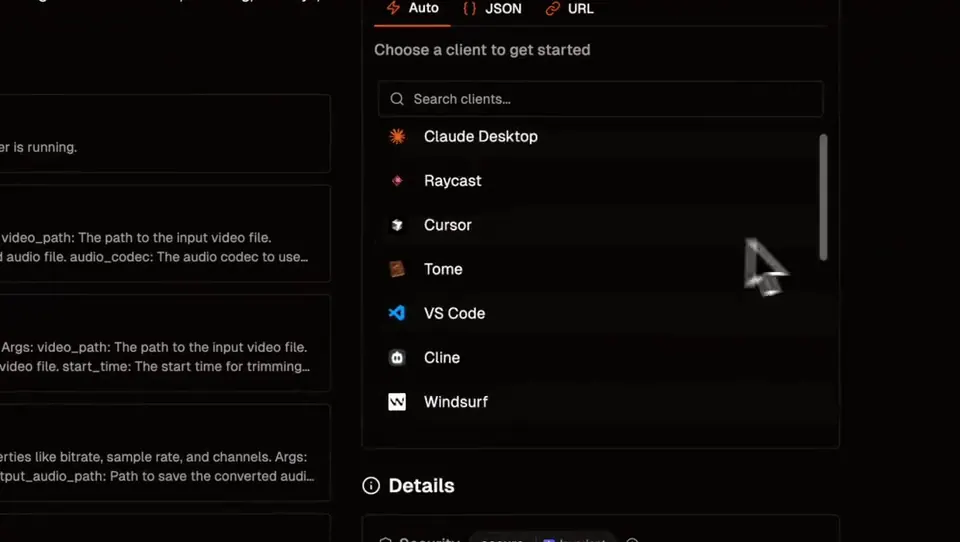 Demo clip
Video & Audio Editing MCP
Solves Converting, trimming, adding overlays and making social versions of a video by asking
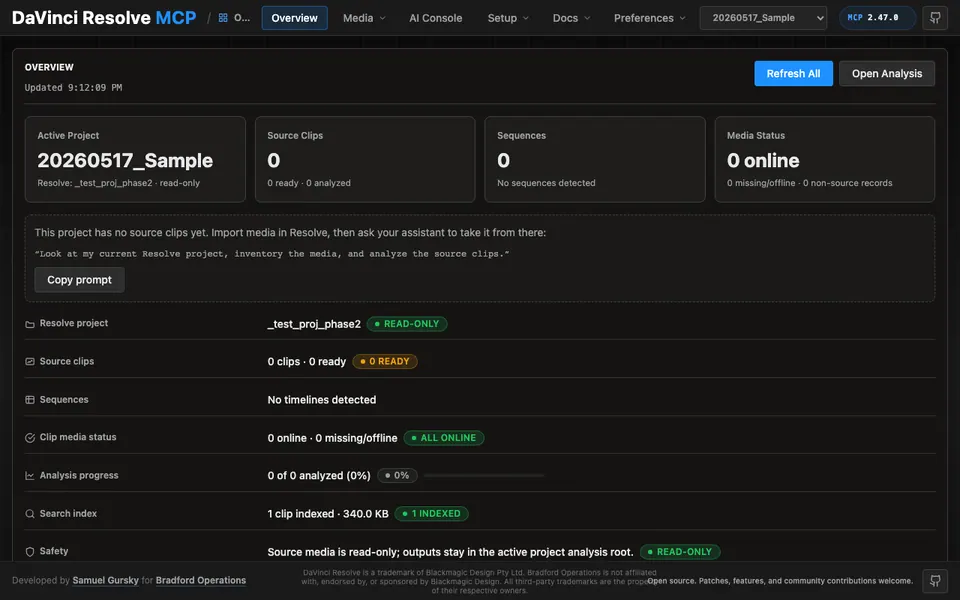
DaVinci Resolve MCP Server (samuelgursky)
Solves Doing Resolve busywork by asking: sorting the media pool, render setup, markers and timeline cleanup
dvr (Resolve CLI + library + MCP)
Solves Repeating the same Resolve edit, color and render steps across many projects
 Demo clip
ffmpeg-skill
Solves Captions, 9:16 crops, silence removal and exports done on your own computer by an AI
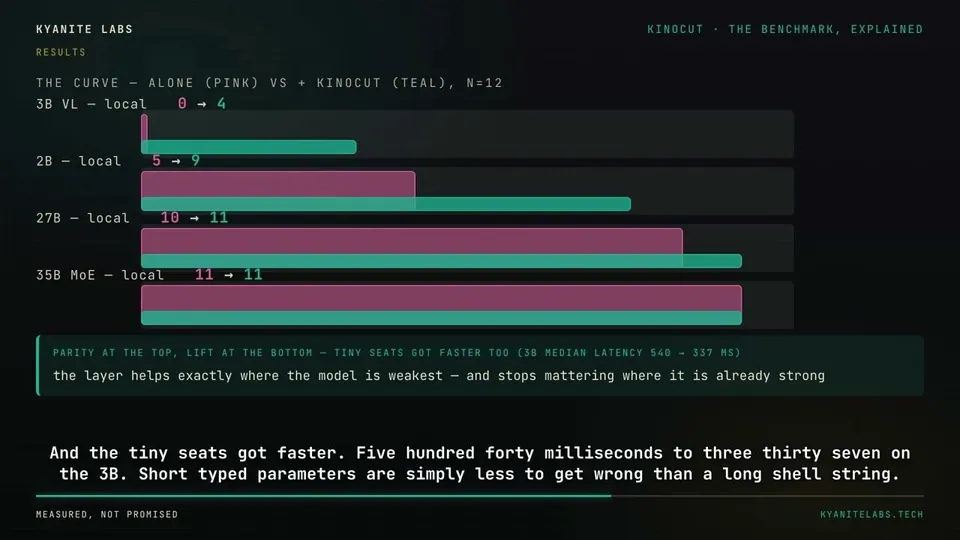 Video
VideoKinocut (formerly mcp-video)
Solves Repurposing long videos into Shorts and Reels with quality checks before export
 Video
Videomcp-aftereffects (Kumo Productions)
Solves Checking and changing an open After Effects project, then kicking off renders, with one undo for each change
Compare all 17 DaVinci Resolve tools →
The AgentCut weekly
New AI connectors for After Effects, Premiere, Resolve and CapCut, tested setup notes, and what broke after app updates. One email a week.