AE MCP Bridge (aemcp)
Last checked
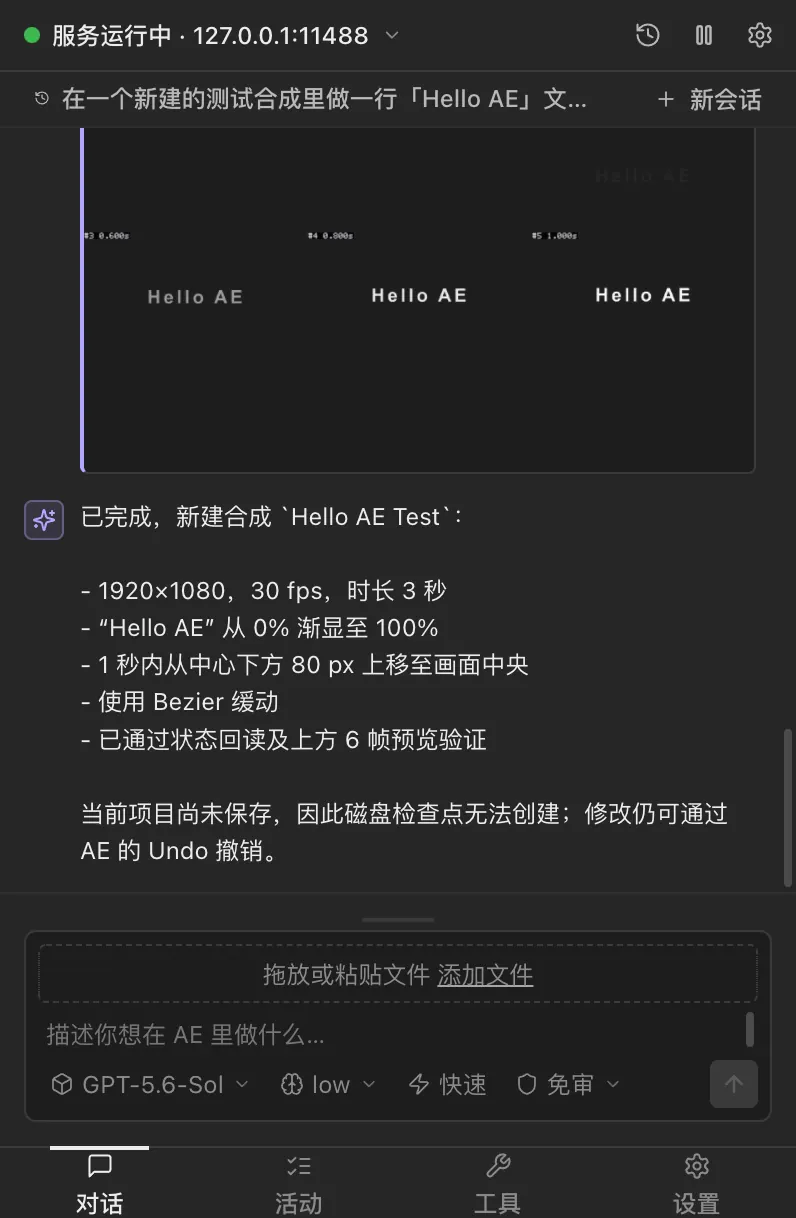
Solves A panel that runs inside After Effects and exposes your open project over MCP, with 143 tools to read the project, build comps and layers, set keyframes, easing, expressions, masks and effects, export frames, package MOGRTs and queue renders.
- Works with
- After Effects
- Setup
- Easy setup
- Price
- Free
- Type
- MCP server + After Effects panel
View on GitHub → How to set it up
Made this tool? Send a correction or get it featured
What it does
A panel that runs inside After Effects and exposes your open project over MCP, with 143 tools to read the project, build comps and layers, set keyframes, easing, expressions, masks and effects, export frames, package MOGRTs and queue renders.
The project describes itself as: "让 AI 直接操作 After Effects 的 MCP 服务:CEP 面板 + 143 个工具,适配 AE 2021~2026"
How to set it up
- Download and run AEMCP-Setup.exe from the repo's releases and tick your After Effects versions
- In After Effects open Window > Extensions > AE MCP Bridge and wait for "MCP bridge ready"
- Add it to your MCP client: point it at node and the aemcp-mcp.js file inside the extension folder, or use the panel's Copy bridge JSON button
- Ask your assistant to run ae_status first, then describe the comp you want
This is a plain English summary of the project's own instructions. Commands and versions change, so always follow the current README at the source link
Safety notes
- Free for non-commercial use only. Commercial use needs the author's permission (see the repo LICENSE)
- Changes your open project directly. It has save and revert checkpoints, but keep your own backup too
- The panel must stay open in After Effects, because it is the bridge
General rule: open a duplicate of your project before letting any agent make changes, and read what a script does before approving it
Alternatives and related tools
After Effects MCP (Dakkshin)
Solves Building comps, text, shapes and keyframes in After Effects by asking instead of clicking
MCP for Adobe Premiere Pro (leancoderkavy)
Solves Automating Premiere edits locally, from rough cuts to exports, with AI help
 Video
Videomcp-aftereffects (Kumo Productions)
Solves Checking and changing an open After Effects project, then kicking off renders, with one undo for each change
ae-mcp (JUNKDOGE-JOE)
Solves Chatting with AI right inside After Effects so it can build and fix layers for you
 Demo clip
AE MCP Bridge
Solves Letting AI look at your rendered frames and fix keyframes and expressions until the shot looks right
After Effects MCP (HeroicSwan)
Solves Running After Effects jobs from an AI agent without babysitting the app, with frame checks along the way
Compare all 16 After Effects tools →
The AgentCut weekly
New AI connectors for After Effects, Premiere, Resolve and CapCut, tested setup notes, and what broke after app updates. One email a week