Auto Cut for Premiere Pro
Solves Cutting dead air in Premiere on every track at once, with a preview before anything changes
- Works with
- Premiere Pro
- Setup
- Medium setup
- Price
- Free
- Type
- Premiere panel (CEP)
View on GitHub → How to set it up
Helps with cut silences and rough cuts
Ideas to try
Ideas to try
These are our ideas, not reports from real users. We haven't found a public example of someone using this tool yet. Know one?
- Ask for a conservative first pass that keeps full sentences, then send notes with timestamps for the parts that still drag
- Save the rules that worked in a short text file so the next video starts from your style
What it does
A Premiere Pro panel that finds silences with ffmpeg, shows you a preview of every cut, then removes them and closes the gaps on all unlocked tracks at the same points so B-roll, screen recordings and music stay in sync. Presets for talking head, interview, screencast and aggressive.
The project describes itself as: "AI editing agent for Adobe Premiere Pro: silence removal, repeated-take dedup (LLM), and minimal Hinglish captions. UXP panel + local Node server."
How to set it up
- Install ffmpeg (brew install ffmpeg on a Mac).
- Download or clone the repo and run ./install.sh from its folder.
- Fully quit and reopen Premiere, then open Window > Extensions (Legacy) > Auto Cut (Window > Extensions on 2024 and earlier).
- Duplicate your sequence, pick a preset and click Measure from audio.
- Click Analyze, check the list of cuts, then click Apply cuts.
This is a plain English summary of the project's own instructions. Commands and versions change, so always follow the current README at the source link
Safety notes
- Duplicate your sequence first. Cuts are undoable, but the README recommends a spare sequence.
- Locked tracks are not cut, so unlock everything before running or your edit will drift out of sync.
- Uses Premiere's undocumented QE DOM, which has changed between versions. Run the built-in diagnostics if a cut fails.
- No server, API keys or accounts; needs ffmpeg installed.
General rule: open a duplicate of your project before letting any agent make changes, and read what a script does before approving it
Other tools for cut silences and rough cuts
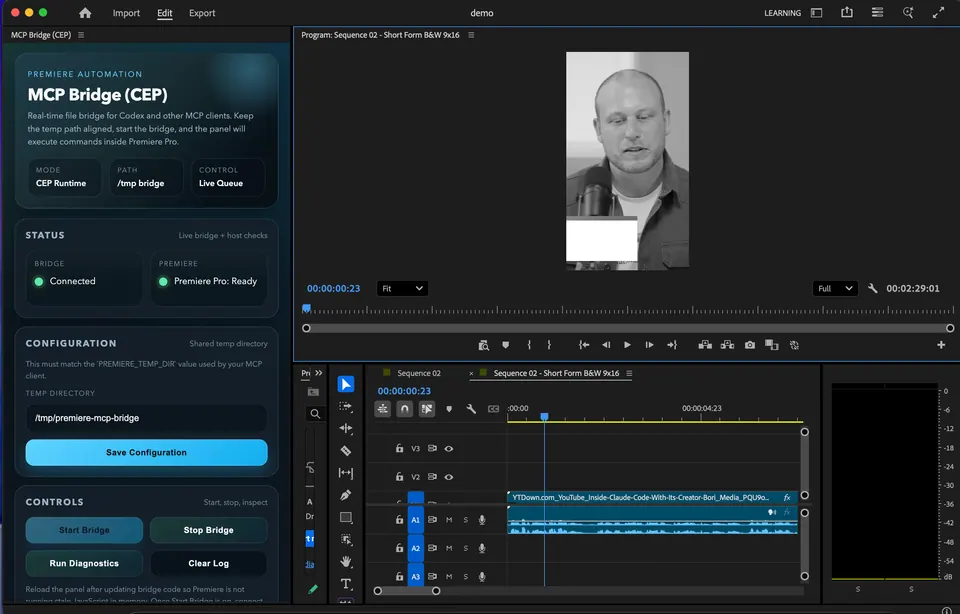
MCP Bridge for Adobe Premiere Pro
Solves Cutting pauses, building rough cuts and doing timeline busywork in Premiere by asking an AI
SmartCut MCP (CapCut talking-head)
Solves Cutting silences and repeated takes out of talking head videos in CapCut
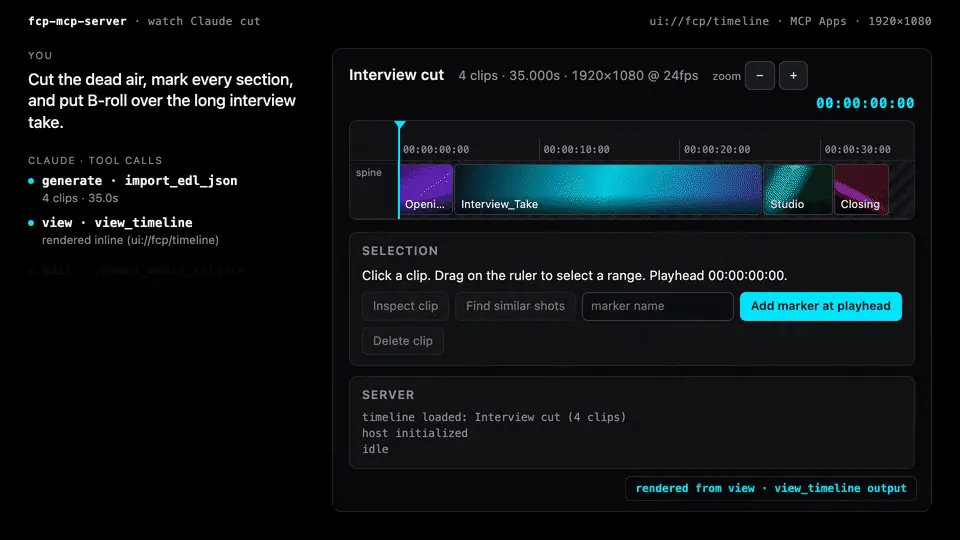 Demo clip
FCPXML MCP
Solves Rough cuts, markers and timeline checks in Final Cut Pro through FCPXML

Wasserman's Unofficial DaVinci MCP
Solves Cutting to the beat, tightening dialogue and hitting loudness specs in Resolve, even on the free version
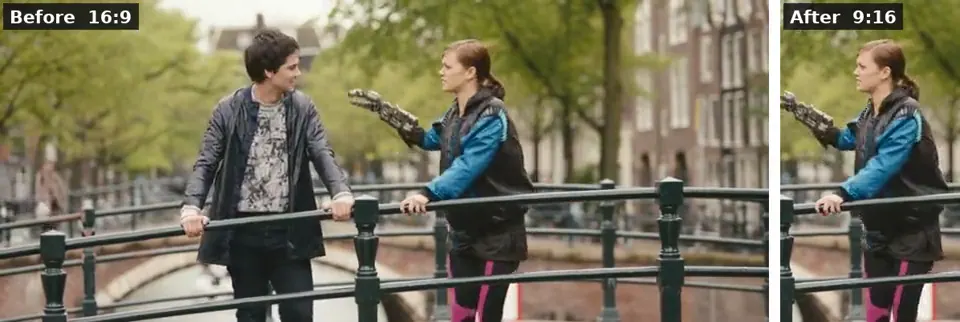 Demo clip
ffmpeg-skill
Solves Captions, 9:16 crops, silence removal and exports done on your own computer by an AI
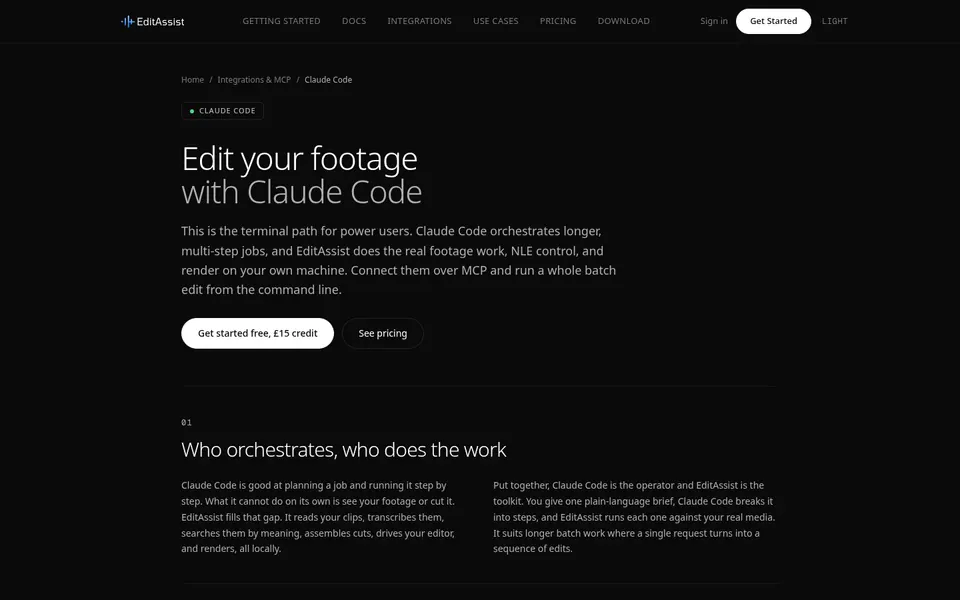
EditAssist (MCP)
Solves Searching transcripts and footage and assembling rough cuts inside your editor
Compare all 11 Premiere Pro tools →
The AgentCut weekly
New AI connectors for After Effects, Premiere, Resolve and CapCut, tested setup notes, and what broke after app updates. One email a week.