Cutfac
Last checked
Solves A local-first studio for TikToks, Reels and Shorts. You select part of the timeline or draw a box on the video, say what to change, and your own Claude Code or Codex makes the edit through the built-in MCP server, then you compare before and after.
- Works with
- Agent native editors
- Setup
- Easy setup
- Price
- Free plan + paid
- Type
- Short-form video studio + MCP server
View on GitHub → How to set it up
Made this tool? Send a correction or get it featured
What it does
A local-first studio for TikToks, Reels and Shorts. You select part of the timeline or draw a box on the video, say what to change, and your own Claude Code or Codex makes the edit through the built-in MCP server, then you compare before and after.
The project describes itself as: "Local-first short-form video studio: MCP server, local API and a desktop board for editing videos by chat"
How to set it up
- Download the Mac app from cutfac.com, or install Bun 1.3+ and ffmpeg and run bun install && bun run build
- Run bun src/cli.ts init ~/my-videos to make a workspace and connect Claude Code and Codex
- Run bun src/cli.ts serve --workspace ~/my-videos and open http://localhost:4317
- Open a video, select a part or draw a box, and type what should change
This is a plain English summary of the project's own instructions. Commands and versions change, so always follow the current README at the source link
Safety notes
- Free and unlimited when built from source (AGPL-3.0); the signed Mac app gives 3 free videos, then a one-time license
- Videos stay on your disk and there is no account
- The Mac app asks before sharing error reports or usage stats
General rule: open a duplicate of your project before letting any agent make changes, and read what a script does before approving it
Alternatives and related tools
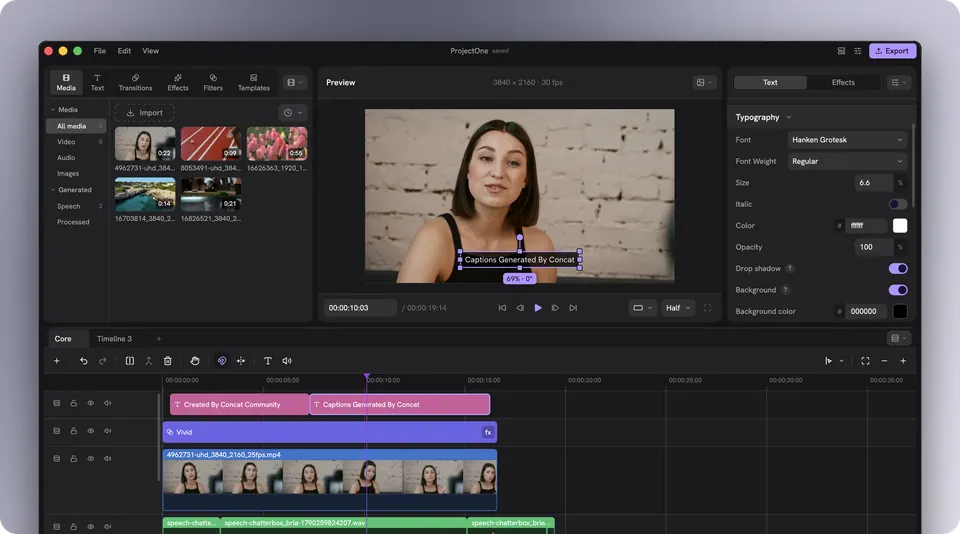
Concat
Solves Editing like CapCut in a free open source app that AI can also drive
FireRed OpenStoryline
Solves Turning a pile of clips into a scripted, scored short video by chatting, then refining it
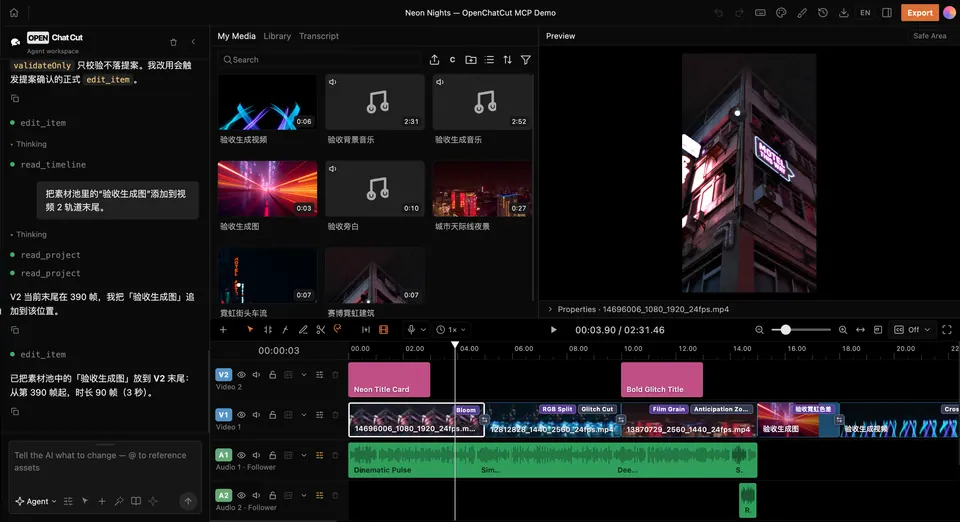
OpenChatCut
Solves Editing by chatting with an AI on a real multi track timeline
Pireel Studio
Solves Letting any AI agent edit on a canvas and timeline you can still touch
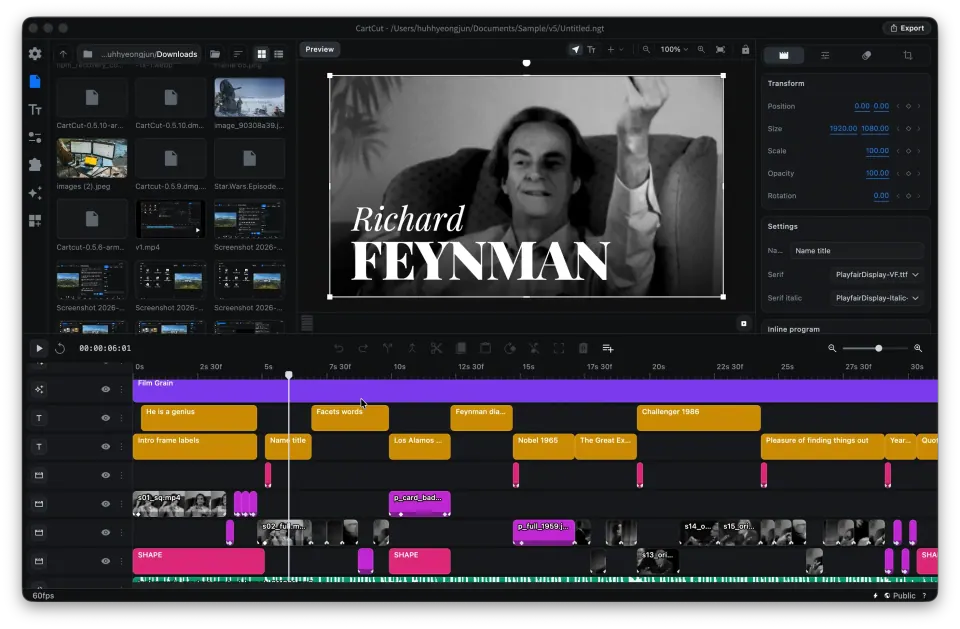
CartCut
Solves Making layered motion edits in an editor built with AI agents in mind
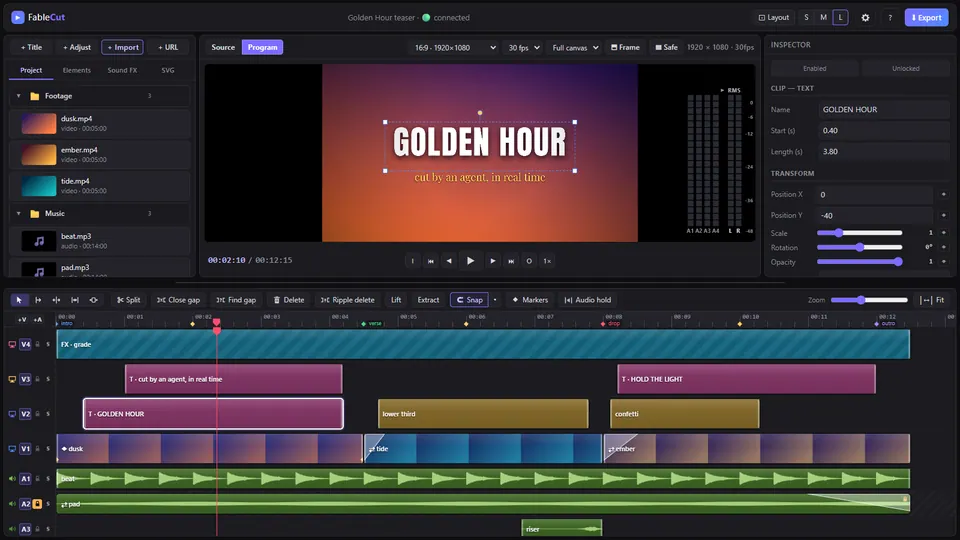
FableCut
Solves Editing video in the browser with an AI agent and a live preview
Compare all 9 Agent native editors tools →
The AgentCut weekly
New AI connectors for After Effects, Premiere, Resolve and CapCut, tested setup notes, and what broke after app updates. One email a week