FireRed OpenStoryline
Solves Turning a pile of clips into a scripted, scored short video by chatting, then refining it
- Works with
- Agent native editors
- Setup
- Hard setup
- Price
- Free
- Type
- Open-source editor (MCP)
View on GitHub → How to set it up
Helps with cut silences and rough cuts, turn long videos into shorts
Ideas to try
Ideas to try
These are our ideas, not reports from real users. We haven't found a public example of someone using this tool yet. Know one?
- Ask for a conservative first pass that keeps full sentences, then send notes with timestamps for the parts that still drag
- Save the rules that worked in a short text file so the next video starts from your style
- Give the agent shot rules: full screen face for punchlines, split screen for explanations, screen capture when the screen matters
What it does
Open-source AI video editing agent you talk to: it finds and organizes clips, writes a script and narration, suggests music, voiceover and fonts, and lets you cut, swap and restyle clips by chat. Includes a speech rough cut skill that removes filler words and repeated sentences, and lets you save an edit style as a reusable skill. Runs as an MCP server with a CLI or web chat.
The project describes itself as: "FireRed-OpenStoryline is an AI video editing agent that transforms manual editing into intention-driven directing through natural language interaction, LLM-powered planning, and precise tool orchestration. It facilitates transparent, human-in-the-loop creation with reusable Style Skills for consistent, professional storytelling."
How to set it up
- Clone the repo and create a Python 3.11 environment (the README suggests Conda/Miniforge).
- Run sh build_env.sh on macOS or Linux, or follow the manual download steps on Windows. Docker is an alternative.
- Add your API keys to config.toml.
- Start the MCP server with PYTHONPATH=src python -m open_storyline.mcp.server.
- Open the chat with python cli.py, or the web interface with uvicorn, and describe the video you want.
This is a plain English summary of the project's own instructions. Commands and versions change, so always follow the current README at the source link
Safety notes
- You must add API keys to config.toml before the first run (see the project's API key doc).
- The AI transition feature calls third-party video generation services and the README warns the cost is relatively high.
- It can search online and download images and clips for you, so check the rights before you publish.
General rule: open a duplicate of your project before letting any agent make changes, and read what a script does before approving it
Other tools for cut silences and rough cuts
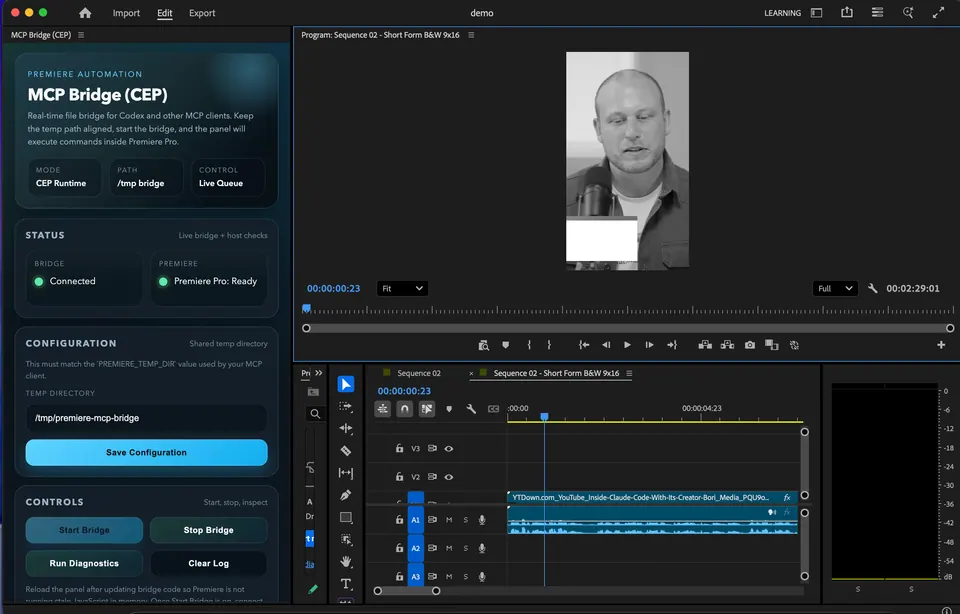
MCP Bridge for Adobe Premiere Pro
Solves Cutting pauses, building rough cuts and doing timeline busywork in Premiere by asking an AI
SmartCut MCP (CapCut talking-head)
Solves Cutting silences and repeated takes out of talking head videos in CapCut
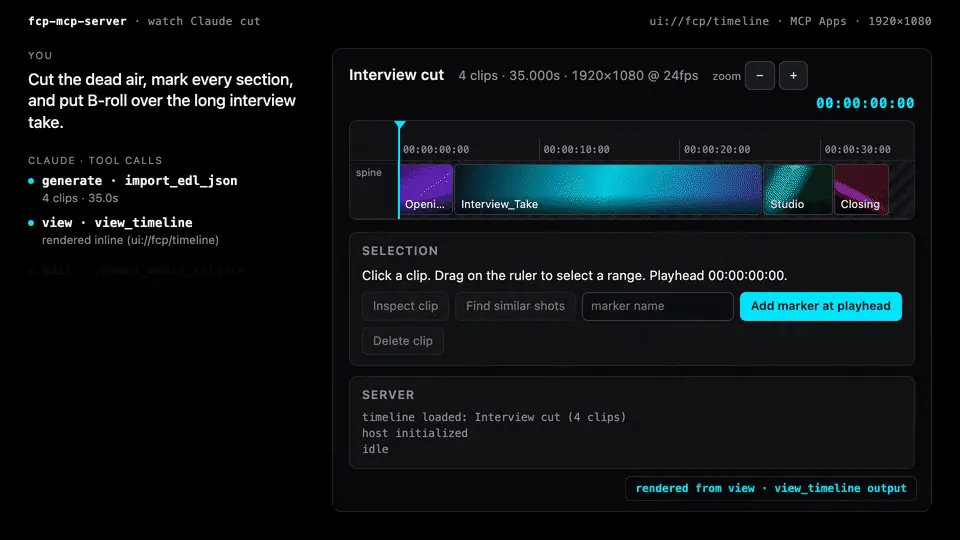 Demo clip
FCPXML MCP
Solves Rough cuts, markers and timeline checks in Final Cut Pro through FCPXML

Wasserman's Unofficial DaVinci MCP
Solves Cutting to the beat, tightening dialogue and hitting loudness specs in Resolve, even on the free version
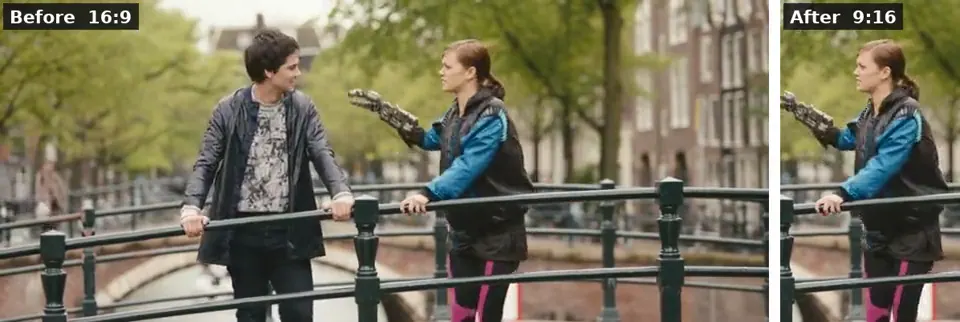 Demo clip
ffmpeg-skill
Solves Captions, 9:16 crops, silence removal and exports done on your own computer by an AI
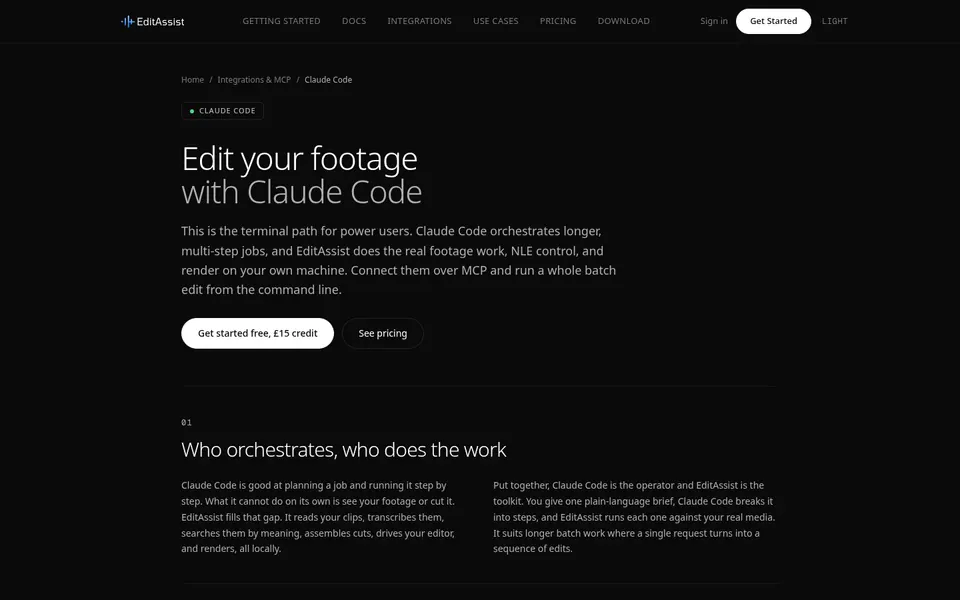
EditAssist (MCP)
Solves Searching transcripts and footage and assembling rough cuts inside your editor
Compare all 7 Agent native editors tools →
The AgentCut weekly
New AI connectors for After Effects, Premiere, Resolve and CapCut, tested setup notes, and what broke after app updates. One email a week.