JianYing AutoEdit MCP
Last checked
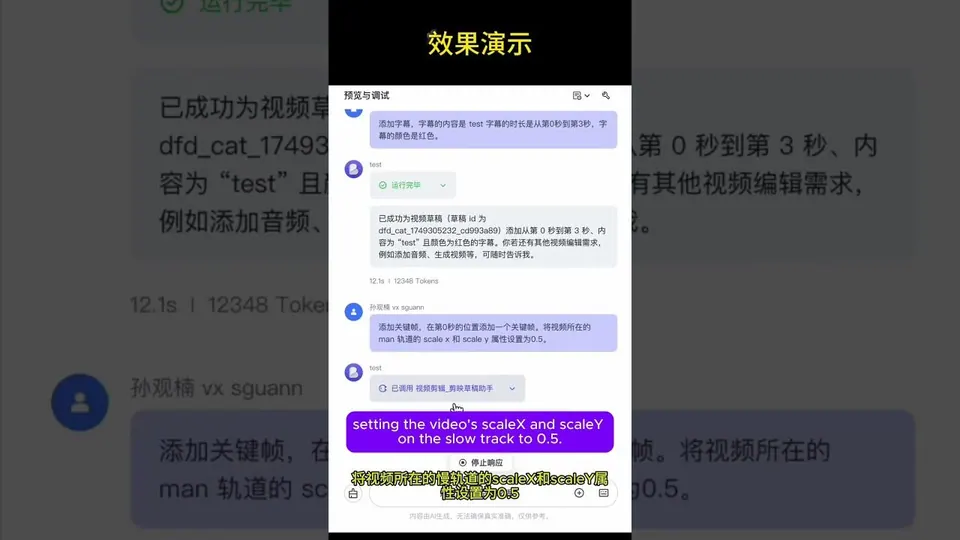
Solves Lets an AI build JianYing (the Chinese version of CapCut) drafts over MCP: create and open drafts, add video, audio and text clips, import SRT subtitles, or turn one storyboard JSON into a full draft with video, voiceover, caption tracks and transitions.
- Works with
- CapCut
- Setup
- Medium setup
- Price
- Free
- Type
- MCP server
View on GitHub → How to set it up
Made this tool? Send a correction or get it featured
What it does
Lets an AI build JianYing (the Chinese version of CapCut) drafts over MCP: create and open drafts, add video, audio and text clips, import SRT subtitles, or turn one storyboard JSON into a full draft with video, voiceover, caption tracks and transitions.
The project describes itself as: "剪映自动化剪辑 | JianYing draft automation via MCP"
How to set it up
- Clone the repo and run pip install "pyJianYingDraft>=0.3.0" "mcp>=1.2.0,<2"
- Add it to your MCP client as python -m jianying_autoedit.server, with PYTHONPATH set to the repo folder
- Set JY_DRAFT_ROOT to your JianYing drafts folder if it isn't found on its own
- Ask your assistant to create a draft or build one from a storyboard, then open it in JianYing
This is a plain English summary of the project's own instructions. Commands and versions change, so always follow the current README at the source link
Safety notes
- Writes straight into your JianYing drafts folder, so back it up first
- Can't open drafts saved by encrypted JianYing versions such as 10.8
- README is in Chinese, and it targets JianYing rather than the international CapCut app
General rule: open a duplicate of your project before letting any agent make changes, and read what a script does before approving it
Alternatives and related tools
 Video
VideoVectCutAPI (CapCut/Jianying API)
Solves Making lots of CapCut videos with subtitles, voiceover and effects without editing each one by hand
cutcli cookbook
Solves Turning a prompt or template into an editable CapCut draft
SmartCut MCP (CapCut talking-head)
Solves Cutting silences and repeated takes out of talking head videos in CapCut
capcut-mcp (JmsLdrn)
Solves Adding, trimming and arranging clips, text and audio in CapCut drafts from AI
CapCut MCP Server — Extended
Solves Making talking head CapCut edits with styled captions and animation presets
The AgentCut weekly
New AI connectors for After Effects, Premiere, Resolve and CapCut, tested setup notes, and what broke after app updates. One email a week