OpusClip MCP (official)
Last checked
Solves Turns a long video into captioned vertical clips from a chat with your agent
- Works with
- Official MCP
- Setup
- Easy setup
- Price
- Paid
- Type
- Hosted MCP server (official)
Read the official MCP docs → How to set it up
Made this tool? Send a correction or get it featured
Helps with turn long videos into shorts
Ideas to try
Ideas to try
These are our ideas, not reports from real users. We haven't found a public example of someone using this tool yet. Know one?
- Give the agent shot rules: full screen face for punchlines, split screen for explanations, screen capture when the screen matters
- Pick the moments yourself and let the agent do the cropping, captions and export
What it does
OpusClip's own hosted MCP server. Your agent sends a long video or link and gets back short clips with captions and vertical reframing, and can also pull transcripts, make thumbnails and social copy, and schedule posts
How to set it up
- Run claude mcp add --transport http opusclip https://mcp.opus.pro/mcp in your terminal
- Start Claude Code, type /mcp, pick opusclip and sign in to your OpusClip account
- Ask it to clip a video, for example a YouTube link, and check the clips in OpusClip
This is a plain English summary of the vendor's own MCP docs. Commands and versions change, so always follow the current docs at the source link
Safety notes
- On this endpoint the posting, scheduling, unscheduling and project sharing tools act right away. The Claude.ai connector version asks you to confirm those in OpusClip instead
- Tool calls use your OpusClip plan and its API usage cap
General rule: open a duplicate of your project before letting any agent make changes, and read what a script does before approving it
Try OpusClip
Partner links: if you sign up through one we may earn a commission, at no extra cost to you. It never changes what we list or how we rank it. How we handle money
Other tools for turn long videos into shorts
 Demo clip
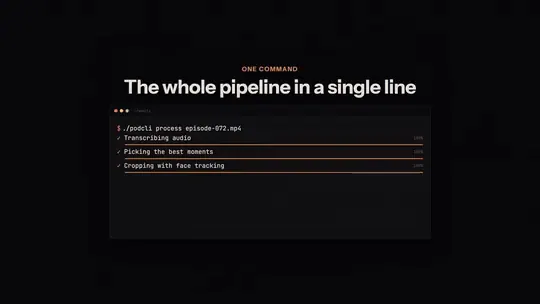
podcli
Solves Turning a long podcast episode into vertical clips with face tracking and captions
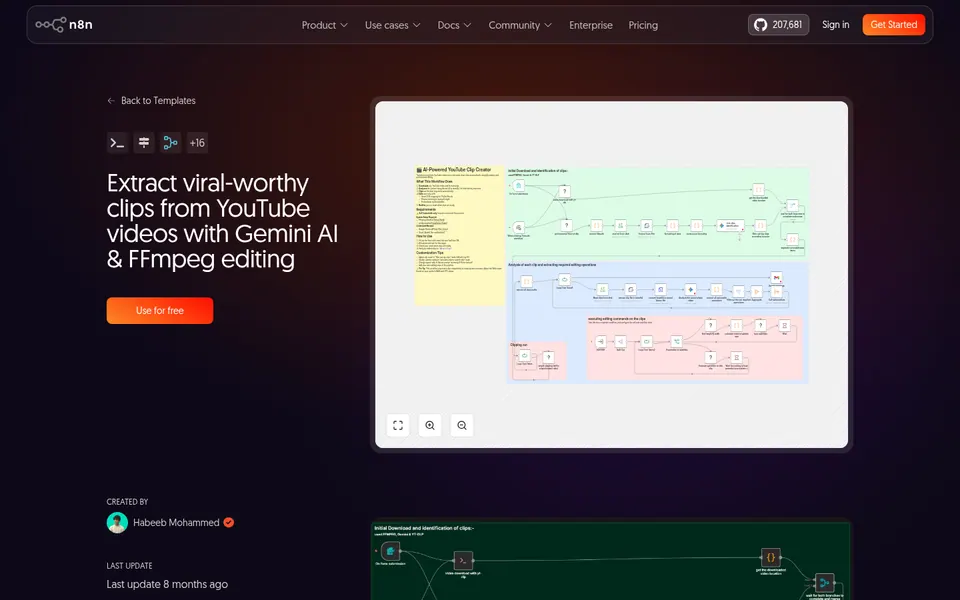
n8n: Viral clips from YouTube with Gemini + FFmpeg
Solves Pulling the best moments out of a YouTube video and cutting them into clips automatically
 Video
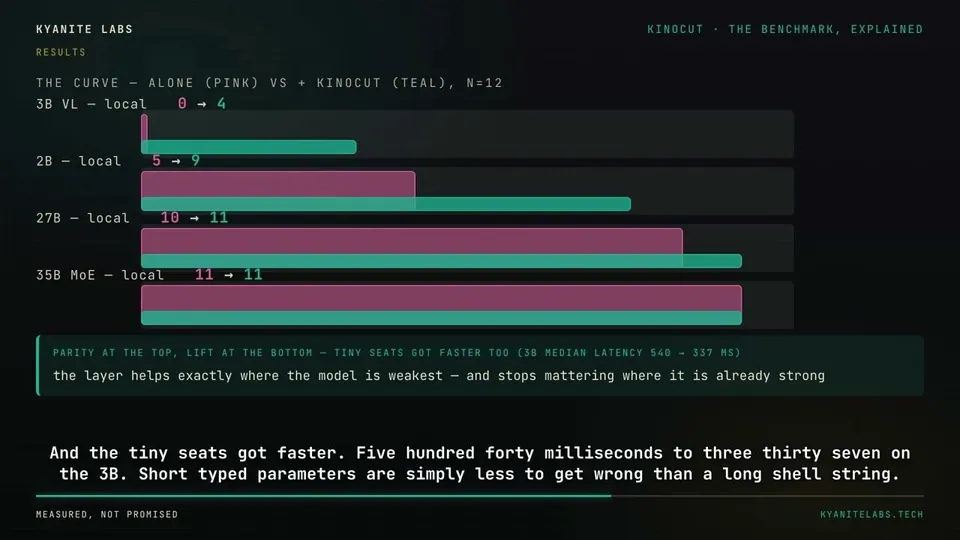
VideoKinocut (formerly mcp-video)
Solves Repurposing long videos into Shorts and Reels with quality checks before export
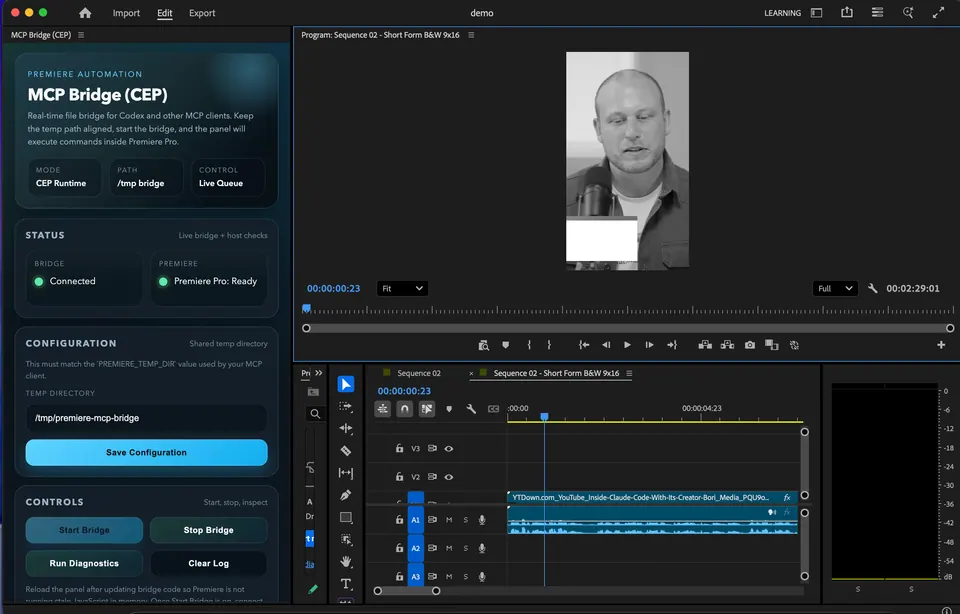
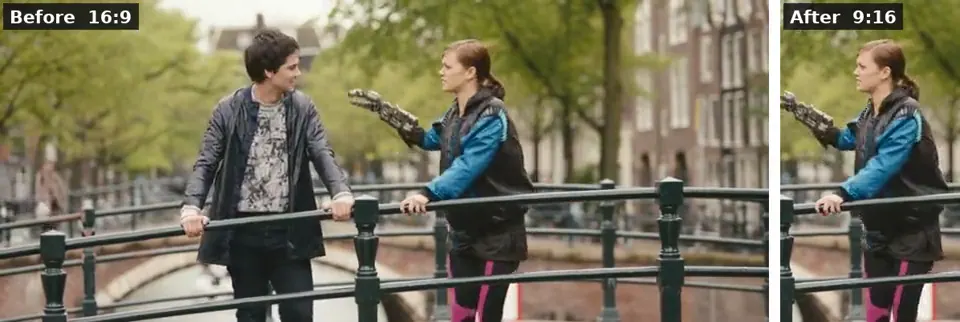
MCP Bridge for Adobe Premiere Pro
Solves Cutting pauses, building rough cuts and doing timeline busywork in Premiere by asking an AI
 Demo clip
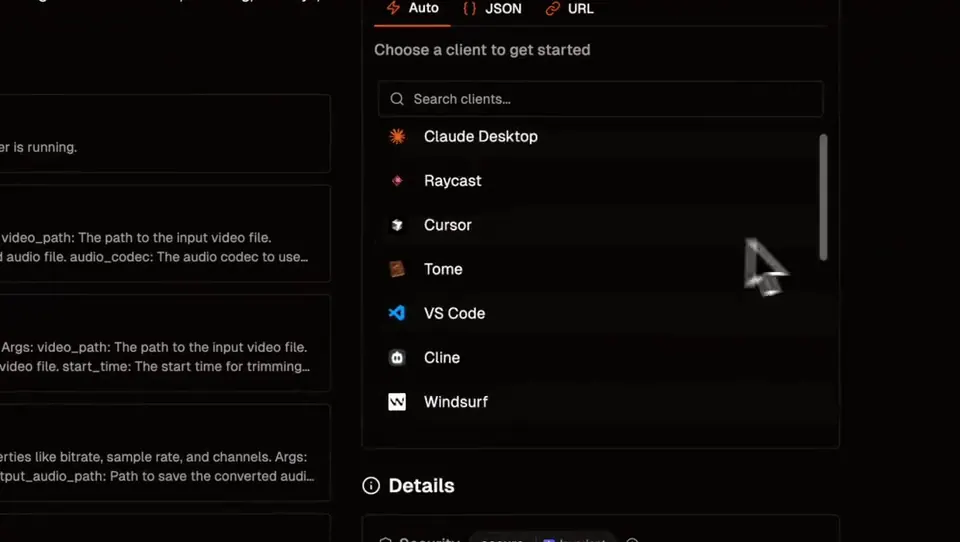
ffmpeg-skill
Solves Captions, 9:16 crops, silence removal and exports done on your own computer by an AI
 Demo clip
Video & Audio Editing MCP
Solves Converting, trimming, adding overlays and making social versions of a video by asking
Compare all 10 Official MCP tools →
The AgentCut weekly
New AI connectors for After Effects, Premiere, Resolve and CapCut, tested setup notes, and what broke after app updates. One email a week.