Best AI caption tools for video editors
Last checked · 7 tools
Ranked for editors who want captions done fast, either in a web app or by an AI agent like Claude Code. We looked at what each tool does beyond captions, the plan you need, how the agent connects, and whether you can run it for free on your own machine
Quick picks
| # | Tool | Pick it if | Price | Setup |
|---|---|---|---|---|
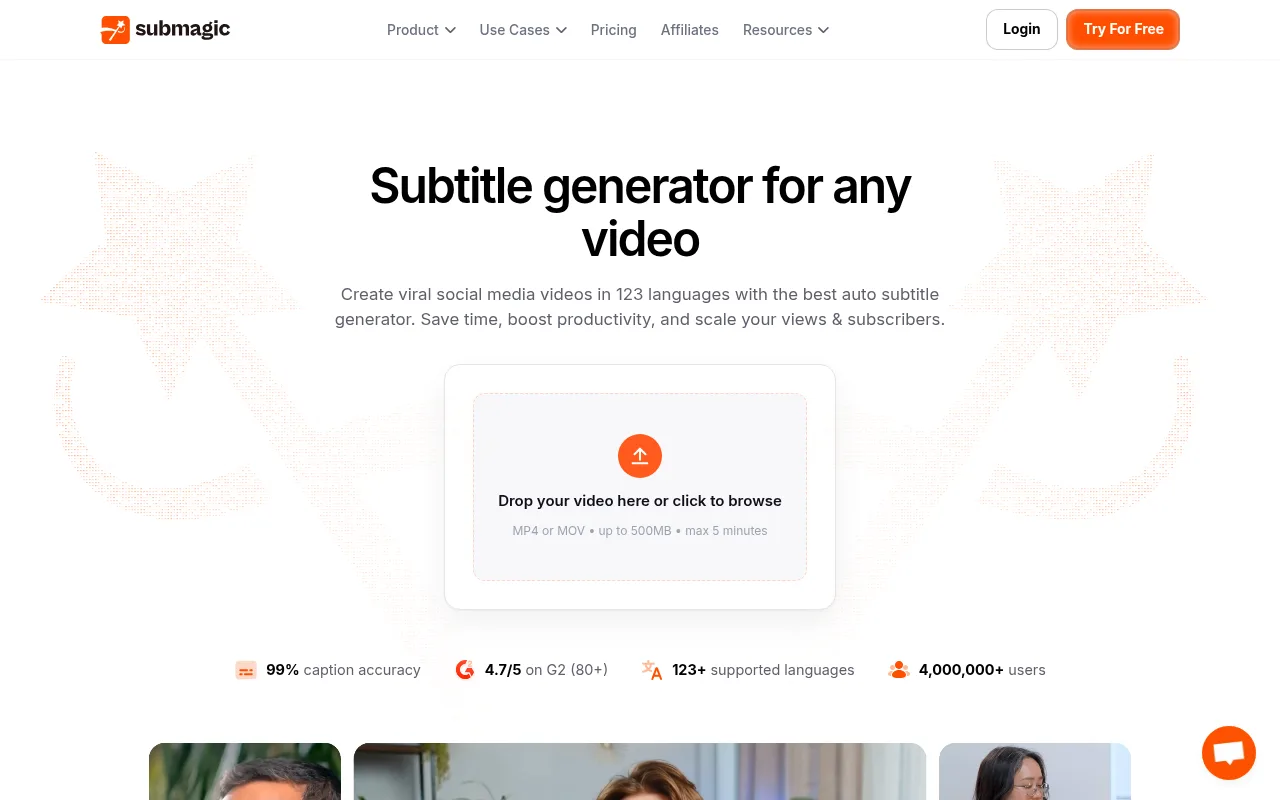
| 1 | Submagic MCP (official) | you want styled captions in 123 languages with the least effort. Use the web app, or let your agent do it through the official MCP on a paid plan. Starter is $19 a month | Paid | Easy setup |
| 2 | OpusClip MCP (official) | you start from long videos and want clips picked, reframed and captioned for you. The free plan has 60 credits a month, and agent use needs Pro or higher | Paid | Easy setup |
| 3 | Descript MCP (official) | you edit by transcript and want captions next to filler word removal and Studio Sound. Free to start, and Hobbyist is $16 a month billed yearly | Free plan + paid | Easy setup |
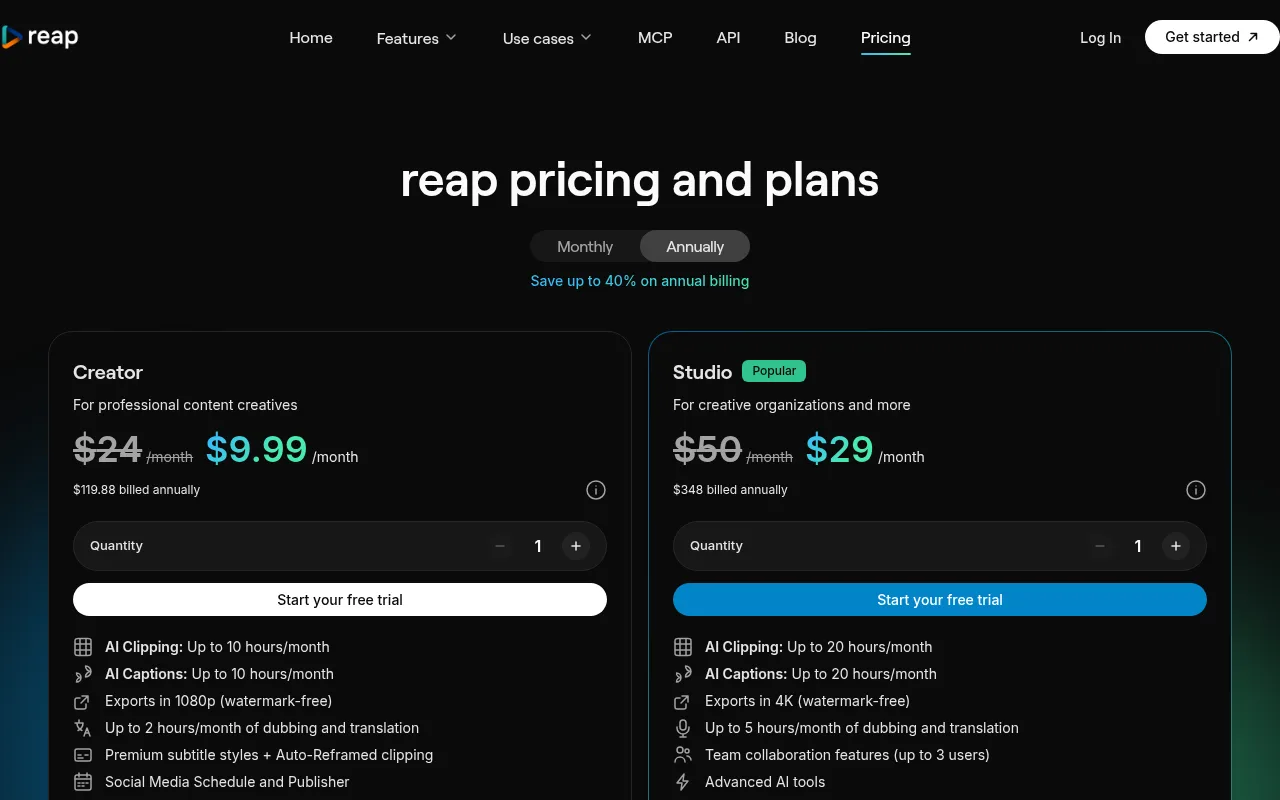
| 4 | Reap MCP (official) | you want 50+ animated caption styles and an MCP that works on the Free plan, which includes one connection | Free plan + paid | Easy setup |
| 5 | Riverside MCP (official) | you already record in Riverside and want the agent to caption those recordings. Its MCP needs the Grow, Webinar or Business plan | Paid | Easy setup |
| 6 | ffmpeg-skill | you want free captions with karaoke style animation made on your own machine, with nothing uploaded | Free | Easy setup |
| 7 | podcli | you turn podcast episodes into vertical clips with face tracking and burned in captions, free and local | Free | Easy setup |
How we checked
Prices and plan limits come from each maker's own pricing page and MCP docs, read between 21 and 26 Oct 2026. We haven't tested caption accuracy side by side, so the order reflects ease of use, price and how much of the job each tool covers, not how many words each one gets right
Captions without an agent
Submagic's subtitle generator and Descript both work in the browser with no setup. The agent route makes sense when captions are one step in a bigger job, like cutting clips and posting them. More options are on the official MCP servers page
Partner links: if you sign up through one we may earn a commission, at no extra cost to you. It never changes what we list or how we rank it. How we handle money
Questions
What is the best free AI caption tool?
For free and local, ffmpeg-skill and podcli run on your own machine. For a web app, OpusClip's free plan includes 60 credits a month with a watermark, and Reap has a free plan too
Can Claude Code add captions to my video?
Yes. Submagic, OpusClip, Descript, Reap and Riverside all run official MCP servers, so Claude Code can send a video and get captions back. Local tools like ffmpeg-skill burn captions in with FFmpeg
How many languages does Submagic caption?
Submagic's subtitle generator page says 123 languages
Sources: Submagic subtitle generator, Submagic pricing, OpusClip pricing, Descript pricing, Reap pricing, Reap MCP docs, Riverside MCP help, kajisho5/ffmpeg-skill, nmbrthirteen/podcli