Resolve MCP Server (guycochran)
Solves Asking Resolve Studio to swap B-roll, add captions and tighten silences on your timeline
- Works with
- DaVinci Resolve
- Setup
- Medium setup
- Price
- Free
- Resolve edition
- Studio only
- Type
- MCP server
View on GitHub → How to set it up
Helps with auto captions and subtitles, cut silences and rough cuts
Ideas to try
Ideas to try
These are our ideas, not reports from real users. We haven't found a public example of someone using this tool yet. Know one?
- Burn captions into every Short in a folder with one request, then check the first one before running the rest
- Ask the agent to keep captions away from faces and screen content, the way you would brief a junior editor
- Ask for a conservative first pass that keeps full sentences, then send notes with timestamps for the parts that still drag
What it does
Lets an AI assistant read and edit a DaVinci Resolve 21 timeline: find clips and moments, replace B-roll, transform clips, add captions and transcripts, tighten silences and handle multi-track podcast or interview edits. README lists 77 tools.
The project describes itself as: "DaVinci Resolve MCP Server — 53 tools for AI-powered remote video editing via Claude"
How to set it up
- Install DaVinci Resolve Studio 21 and set External scripting to Local in Preferences > System > General.
- Install 64-bit Python 3.10 or newer.
- Clone the repo, create a virtual environment and run pip install -e . as the README shows.
- Run resolve-mcp --doctor to check that it can see Resolve.
- Add the server to your MCP client config (Claude Desktop, Cursor, etc.) using the full path to the venv's Python and the args -m resolve_mcp.
- Open a project and ask your assistant what's in the timeline.
This is a plain English summary of the project's own instructions. Commands and versions change, so always follow the current README at the source link
Safety notes
- Needs Resolve Studio with Preferences > System > General > External scripting set to Local. The README says it does not promise full functionality on the free edition.
- Optional cloud vision tools send frames to Moondream and need its API key; ffmpeg is only needed for silence tightening.
- Remote HTTP mode needs a bearer token of 32+ characters. Keep it on localhost unless you put it behind your own HTTPS gateway.
- Some less common Resolve AI features are only unit tested or partly exercised (see the README's validation notes).
General rule: open a duplicate of your project before letting any agent make changes, and read what a script does before approving it
Other tools for auto captions and subtitles
 Demo clip
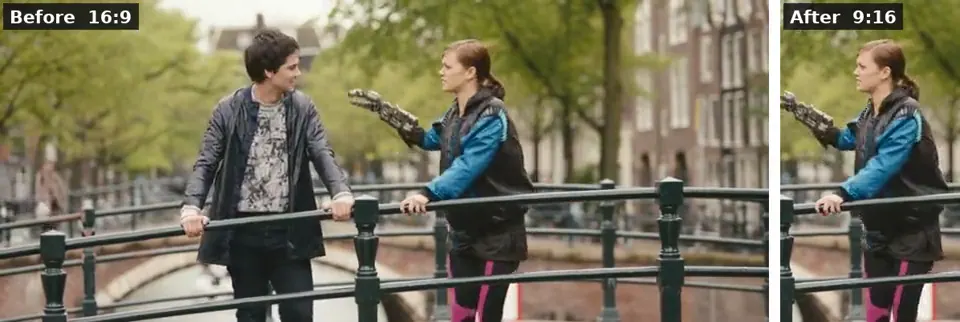
ffmpeg-skill
Solves Captions, 9:16 crops, silence removal and exports done on your own computer by an AI
 Video
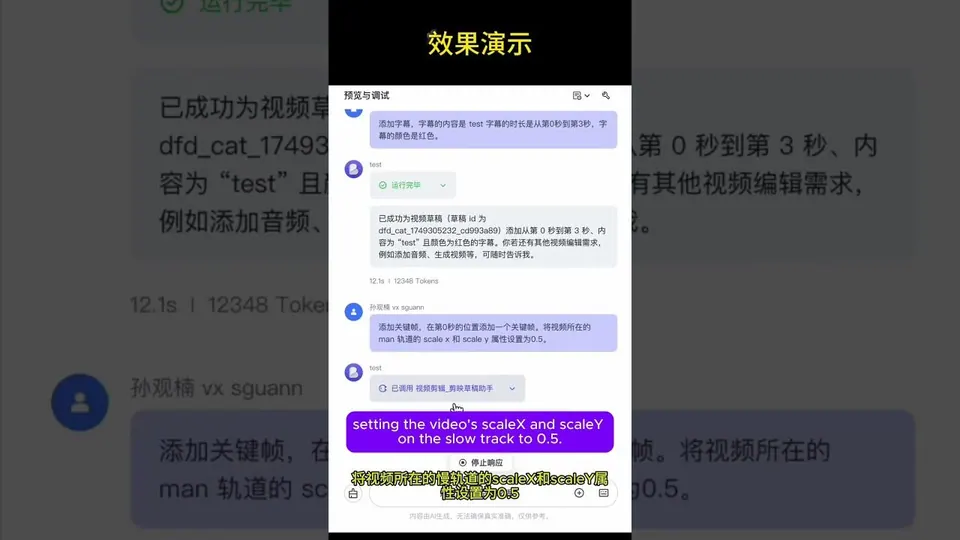
VideoVectCutAPI (CapCut/Jianying API)
Solves Making lots of CapCut videos with subtitles, voiceover and effects without editing each one by hand
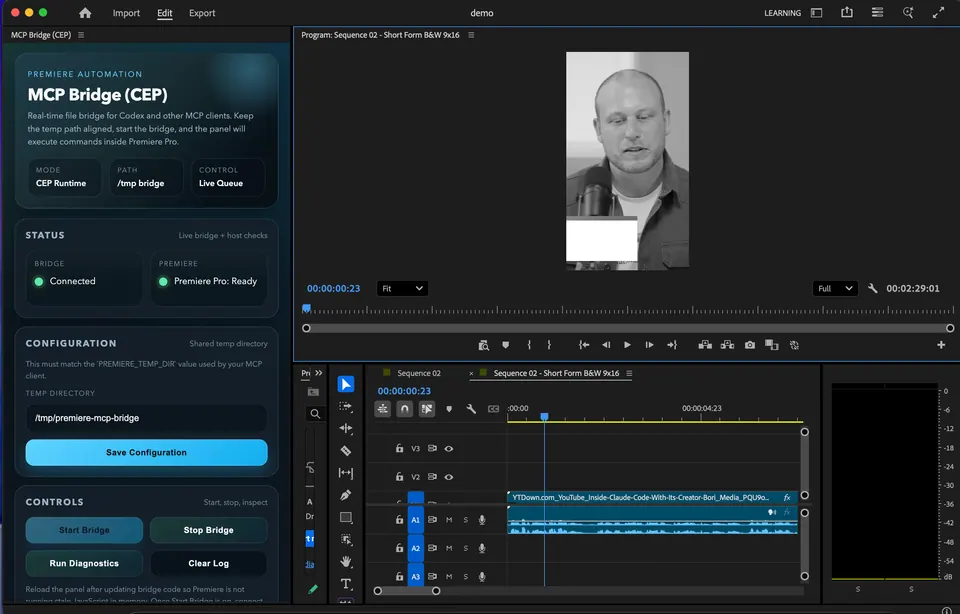
MCP Bridge for Adobe Premiere Pro
Solves Cutting pauses, building rough cuts and doing timeline busywork in Premiere by asking an AI
 Demo clip
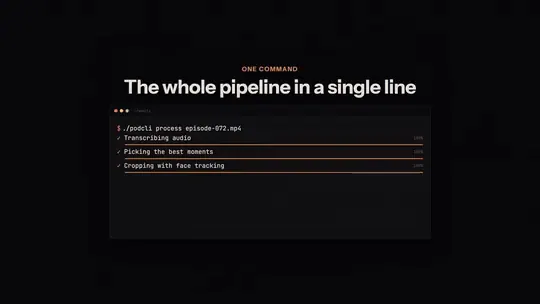
podcli
Solves Turning a long podcast episode into vertical clips with face tracking and captions
PremierPro MCP Server (ayushozha)
Solves Handling Premiere timelines, audio, captions, graphics templates and exports from an AI chat
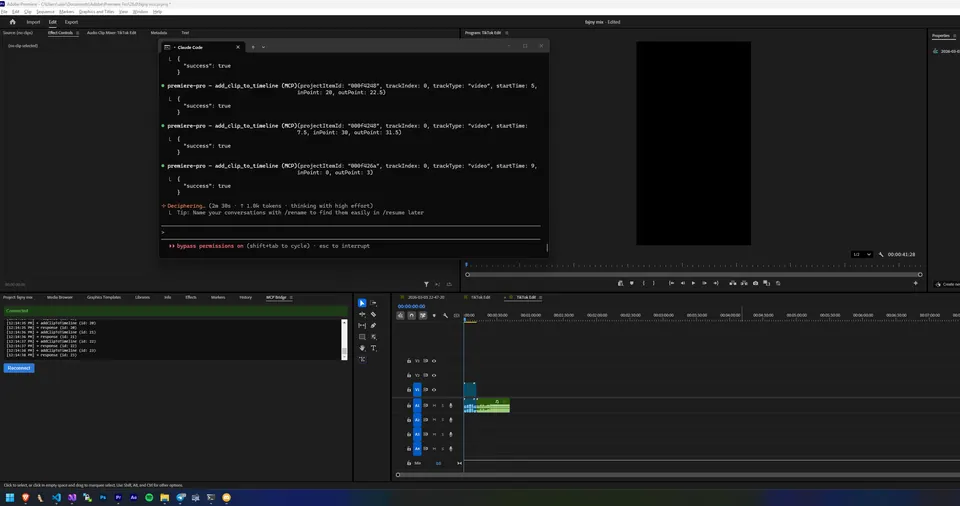
Premiere Pro MCP Server (170+ tools)
Solves Editing, adding effects and captions, and exporting in Premiere from Claude
Compare all 17 DaVinci Resolve tools →
The AgentCut weekly
New AI connectors for After Effects, Premiere, Resolve and CapCut, tested setup notes, and what broke after app updates. One email a week.